How to Share Load (Pasaload) on TNT
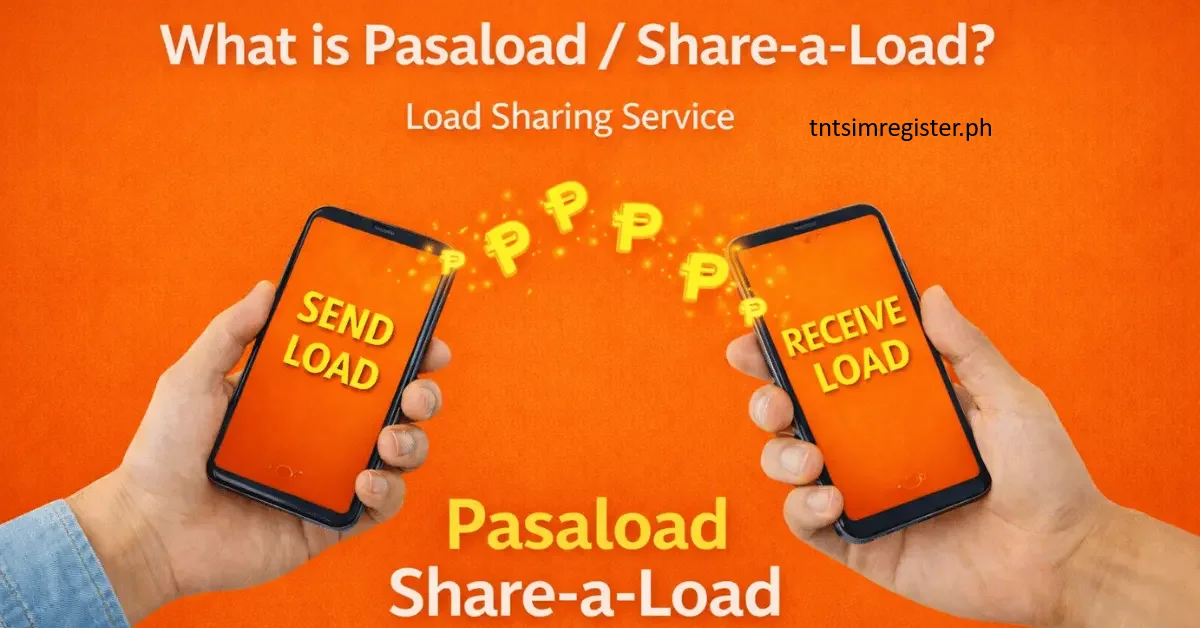
Pasaload means sending part of your mobile load to another prepaid user on the same network. Instead of buying a new load, you can simply transfer some of your existing balance. Usually, a small charge is taken, often around ₱1, depending on the amount sent. This is very helpful in urgent times when someone has no load and needs to call or text right away. The process is quick, safe, and the load is sent instantly.
How to Pasaload Using the GigaLife App
The easiest way to share load on TNT is by using the GigaLife app, which is the official app for Smart and TNT users. You can download it from the Google Play Store for Android, Apple App Store for iPhone, or Huawei AppGallery.
After installing the app, create an account using your Smart or TNT number. Make sure your number has enough load balance before sending load to others.
Things You Need Before Sending Load
- An active TNT SIM card
- GigaLife app installed on your phone
- A stable internet connection
- Enough load balance in your account
How to Use the GigaLife App for Pasaload
- Open the GigaLife app and log in to your account
- Tap the “Pasa” option at the bottom of the screen
- Go to the Friends tab
- Choose a saved contact or add a new mobile number manually
- Send the load instantly to the selected number
Pasaload via GigaLife App (Step-by-Step Guide)
Step 1 – Open the GigaLife App
Open the app on your phone and log in using your TNT number. Enter the OTP code sent to your phone for verification.
Step 2 – Select “Share Load” / “Pasaload”
From the main menu, tap the option for sharing load or pasaload.
Step 3 – Enter Mobile Number
Carefully type the TNT number of the person you want to send load to.
Step 4 – Pick the Amount
Choose how much load you want to send, such as ₱10, ₱20, ₱30, ₱50, or ₱100.
Step 5 – Confirm the Transfer
Review the details and tap confirm. If needed, enter your PIN to proceed.
Step 6 – Done
After successful sending, both sender and receiver will receive an SMS confirmation right away.
Available Pasaload Amounts in GigaLife App
- ₱50 (valid for 30 days)
- ₱100 (valid for 30 days)
- ₱200 (valid for 60 days)
- ₱300 (valid for 60 days)
- ₱500 (valid for 60 days)
- ₱1000 (valid for 60 days)
Pasaload Rules by Network
Different mobile networks have different rules for sharing load:
- TNT – Pasaload is supported through the GigaLife app and SIM menu
- Smart – Also supports pasaload via GigaLife and SIM toolkit
- Sun (Smart network) – Limited or merged with Smart services
- Globe – Has a similar load-sharing service but uses a different name
- DITO – Pasaload feature is limited or not widely available
For TNT users, the GigaLife app is the best and easiest option.
Pasaload Using SIM Menu (No Internet Needed)
If you don’t want to use the app, you can still share load using your phone’s SIM menu:
- Open SIM Toolkit or Smart menu
- Select “Share Load” or “Pasaload”
- Enter the receiver’s number
- Choose the load amount
- Confirm the transaction
This method works even without an internet connection.
Conclusion
Pasaload is a very useful feature for TNT users. You can send load easily through the GigaLife app or SIM menu in just a few seconds.
The GigaLife app is the most reliable and easiest method in 2025 and 2026 because it is fast, safe, and simple to use. Every TNT user should know this feature to stay connected and help others anytime.