
How to Easily Check TNT Load Balance
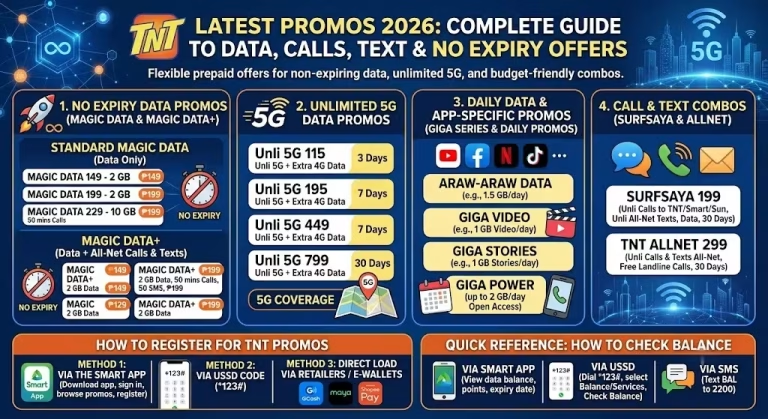
How to Check TNT Load Balance
If your mobile load suddenly finishes in an emergency, it can cause trouble. You may not be able to call or message anyone. That is why it is important to always know your remaining load.
Many people ask: how can we check TNT load balance?
Don’t worry. Here you will learn all easy ways to check your TNT balance step by step.
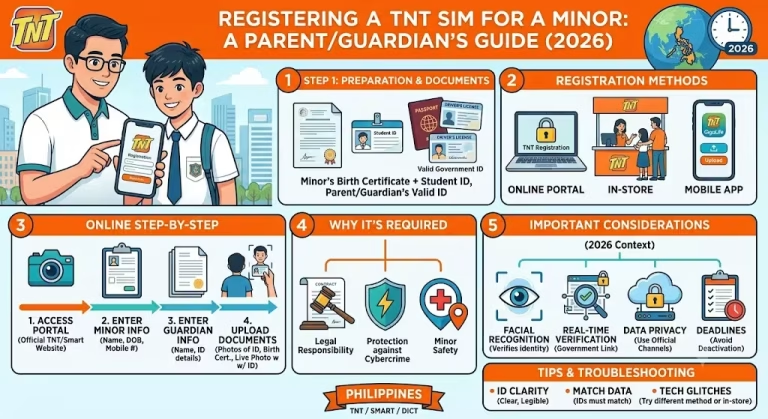
SIM registration is required, so make sure you register your SIM now.
Ways to Check TNT Load Balance
There are 5 simple methods to check your TNT balance. All methods are explained below.
1. USSD Code Method
This is the quickest and easiest way.
- Open your phone dial pad
- Dial *123#
- Press the call button
- Wait for the menu to appear
- Choose the option for balance
- Enter the number shown on screen
- Press send
Sometimes your balance will show directly on the screen.
Note: This method is free and works without internet.
2. SMS Method
You can also check balance through text message.
- Open your Messages app
- Type BAL
- Send it to 214 using your TNT SIM
- You will receive a reply with your load and expiry details
Note: This method is fast but may have a small charge.
3. GigaLife or Smart App
You can use the official app to check your balance.
- Download the GigaLife app from Play Store
- Open the app
- Log in using your TNT number
- Tap on Usage Check
You will see your load, promos, and expiry dates.
Note: Internet is required for this method.
4. Online Portal Method
You can also check balance on the website.
- Visit the official Smart website
- Log in with your TNT number
- Your balance and promo details will appear on the dashboard
Note: This method also needs internet access.
5. Voice Call Method
You can check your balance by calling.
- Dial *888 from your mobile
or call (02) 8888-1111 from a landline - Follow the voice instructions
- Choose balance inquiry option
- Listen to your load details
Note: No internet is needed for this method.
Important Tips
- It is better to use online methods because they show your real-time balance and full details.
- If your internet is not working or is weak, use the USSD method. It works well in emergencies.
- TNT SMS codes or numbers can be a little different depending on your location.
- If your balance does not refresh, try restarting your phone and check again.
your steps are clear fot tnt sim