How to Share Data on TNT
Sharing mobile data on TNT is very common today. Many prepaid users do this when their internet runs out suddenly. In urgent times, it helps a lot. Instead of buying a new promo, you can get data from a friend or family member who uses TNT. This makes staying connected easy, quick, and stress-free.
TNT offers simple ways to share data using its official app and built-in features. You can send data in just a few steps. It works whether you are at home, school, office, or traveling.
How to Send Mobile Data on TNT Prepaid
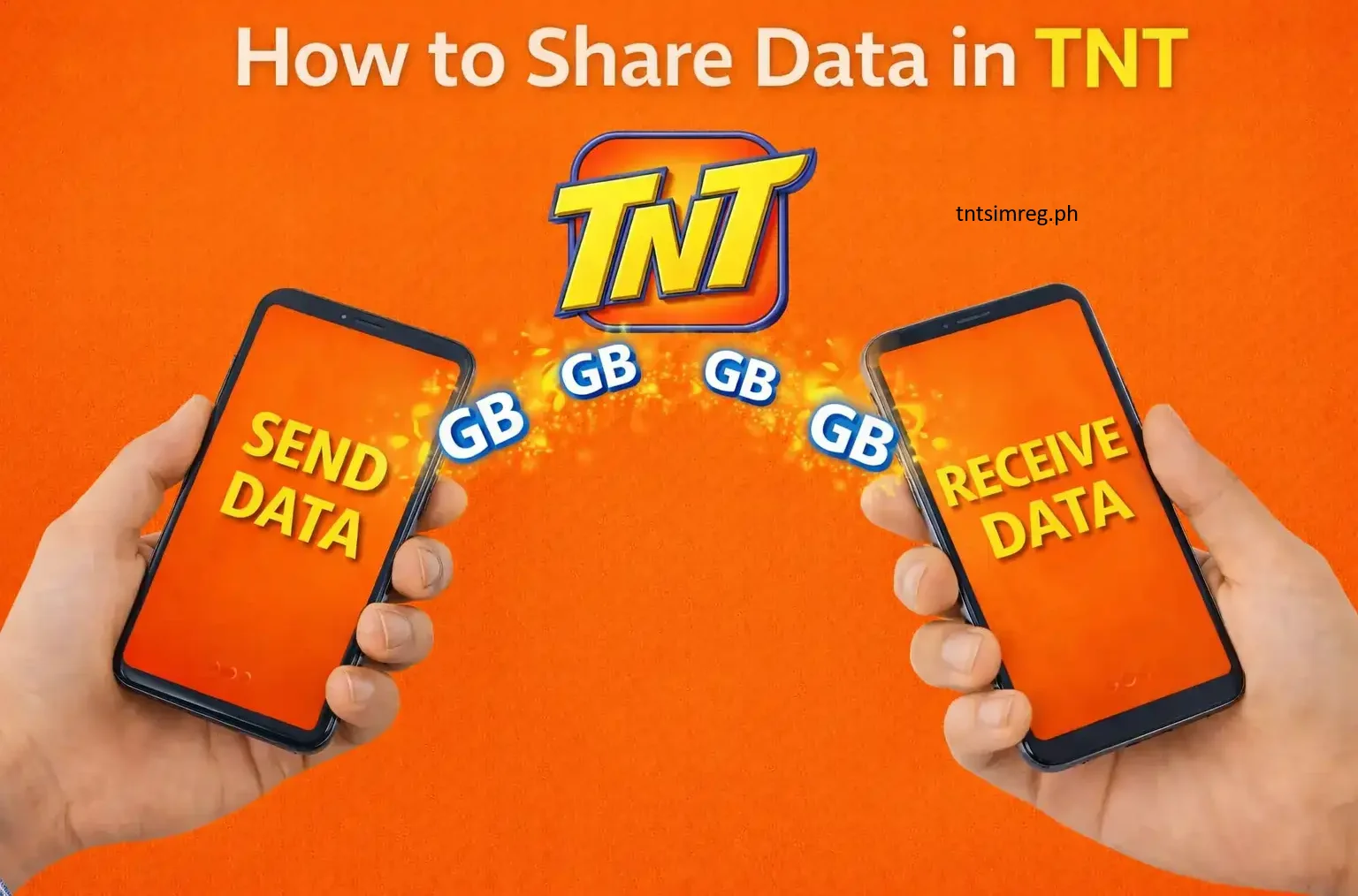
TNT has made data sharing very easy with its prepaid service. The sender only needs to open the TNT app on their phone. Inside the app, there is a data sharing option like “Gigashare” or “Share Data.”
After choosing it, you just enter the mobile number of the person you want to send data to. Then select how much data you want to share and confirm it.
Both the sender and receiver will get a message. This confirms that the data transfer was successful.
How to Share Data Between Smart and TNT (PasaData)
There is also a helpful feature called PasaData. This allows sharing between Smart and TNT users. It is useful for people who want to help each other even if they are on different networks.
With this feature, a Smart user can send data to a TNT user. A TNT user can also send data to a Smart user. It works both ways.
Benefits of PasaData
- You can send regular load or data easily
- Very helpful in emergency situations
- Helps users call, text, or buy promos
- Works instantly without waiting
- No internet is needed to use it
- Fast and simple for all prepaid users
Which Data Promos Work with PasaData?
Not every data promo can be shared. Only selected promos allow sharing through PasaData. To use it, you must be subscribed to a promo that supports shareable data. This lets you send MBs to other users easily.
Below are the common promos that work with PasaData.
📱 For TNT Users
| Promo Name | Details | Validity | Price (PHP) |
|---|---|---|---|
| GIGA VIDEO 50 | 1 GB shareable data + 1 GB daily for apps like YouTube, NBA TV, iWantTFC, Cignal Play | 3 days | 50 |
| GIGA STORIES 50 | 1 GB shareable data + 1 GB daily for Facebook, Instagram, Twitter, TikTok, Kumu | 3 days | 50 |
| PANALO DATA 30 | 500 MB shareable data + 200 MB daily for Facebook | 2 days | 30 |
| GAAN SURF 30 | 300 MB shareable data + 200 MB for apps like Facebook, YouTube, Mobile Legends | 5 days | 30 |
📱 For Smart Users
| Promo Name | Details | Validity | Price (PHP) |
|---|---|---|---|
| GIGA VIDEO 50 | 1 GB shareable data + 1 GB daily for YouTube, NBA TV, iWantTFC, Cignal Play | 3 days | 50 |
| GIGA STORIES 50 | 1 GB shareable data + 1 GB daily for Facebook, Instagram, Twitter, TikTok, Kumu | 3 days | 50 |
| ALL DATA 50 | 2 GB shareable data | 3 days | 50 |
| MAGIC DATA 99 | 2 GB shareable data with no expiry | No expiry | 99 |
How to PASALOAD from Smart to Smart or TNT
Smart users can easily send load to other Smart users and also to TNT users. The process is quick, simple, and safe. After sending load, both the sender and receiver will get a message confirming the transfer.
How to Share Load on Globe to Globe or TM
Globe and TM users also have their own load sharing option. They can use their phone menu to find the load sharing feature and follow the steps to send load to another Globe or TM number.
Frequently Asked Questions
Conclusion
Services like PasaLoad and PasaData make it very easy to share mobile load and data. Users don’t need to worry when they run out of internet or load. They can quickly send or receive help from others anytime.