TNT SIM Registration for OFWs: OWWA ID, Requirements & Complete Guide (2026)
TNT SIM Registration for OFWs
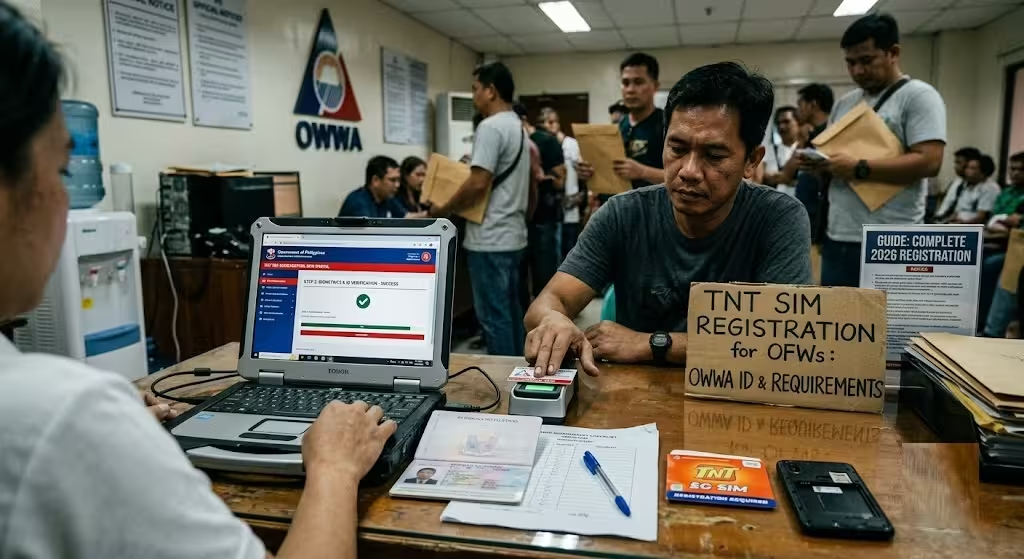
If you’re an Overseas Filipino Worker (OFW) using a TNT SIM card, registering your SIM is a legal requirement under the Philippines’ SIM Registration Act. Whether you’re working in the Middle East, Europe, Asia, North America, or anywhere else in the world, you can complete your TNT SIM registration online without returning to the Philippines.
This guide explains everything OFWs need to know about TNT SIM registration using an OWWA ID, the complete list of accepted IDs, registration requirements, step-by-step instructions, common problems, and practical tips to ensure a successful registration.
By the end of this guide, you’ll know exactly how to register your TNT SIM from overseas and avoid the most common registration mistakes.
Can OFWs Register a TNT SIM Online?
Yes. OFWs can register a TNT SIM online through the official Smart SIM Registration Portal by entering their 11-digit TNT mobile number, verifying it with a One-Time PIN (OTP), submitting personal information, uploading a valid government-issued ID, and completing a selfie verification.
The entire registration process is designed to be completed remotely, making it convenient for Filipinos working abroad.
TNT SIM Registration Requirements for OFWs
Before starting, prepare the following:
| Requirement | Details |
|---|---|
| TNT Mobile Number | Active 11-digit TNT prepaid number |
| Valid Government ID | OWWA ID, Philippine Passport, or another accepted government-issued ID |
| Photo of ID | Clear photo or scanned copy |
| Selfie | Recent live selfie for identity verification |
| Internet Connection | Stable mobile data or Wi-Fi |
| OTP Access | Your TNT SIM must be able to receive SMS |
Having everything ready beforehand helps you complete the registration in just a few minutes.
Can You Use an OWWA ID for TNT SIM Registration?
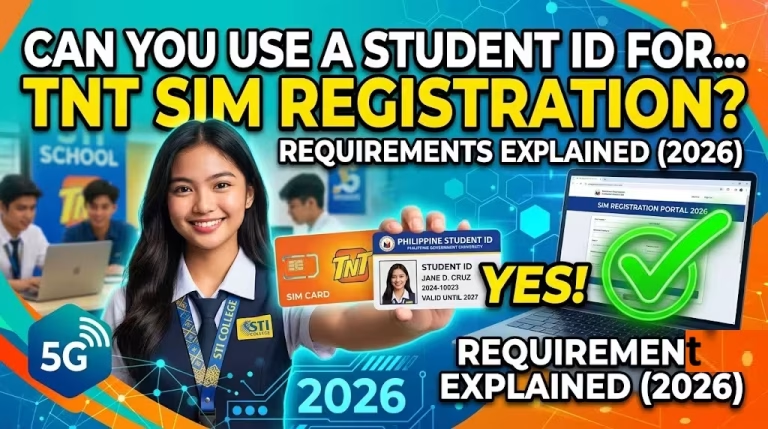
Yes. An OWWA ID is generally accepted as a valid government-issued identification document for eligible OFWs during TNT SIM registration, provided it is valid, readable, and matches the personal information entered during registration.
If you don’t have an OWWA ID available, you may use another accepted government-issued ID, such as:
- Philippine Passport
- UMID Card
- Driver’s License
- PhilSys National ID
- PRC ID
- Postal ID (if accepted at the time of registration)
- Other government-issued IDs accepted by Smart
Always use a valid, unexpired ID with clear and readable details.
How to Register Your TNT SIM as an OFW
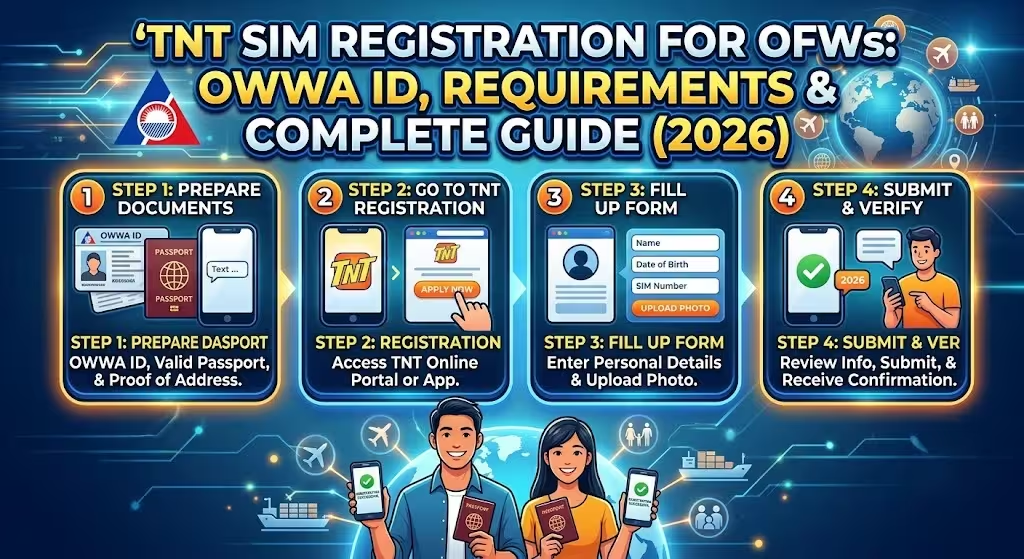
Follow these simple steps to complete your registration.
Step 1: Visit the Official Smart SIM Registration Portal
Open your preferred web browser and go to the official Smart SIM Registration Portal.
Using the official website helps protect your personal information and ensures your registration is processed securely.
Step 2: Enter Your TNT Mobile Number
Type your active 11-digit TNT mobile number.
Carefully review the number before proceeding.
Step 3: Accept the Terms and Conditions
Read the privacy notice and registration terms.
Tick the checkbox confirming your agreement.
Step 4: Verify Your Number Using the OTP
A One-Time PIN (OTP) will be sent via SMS to your TNT number.
Enter the OTP within the required time.
If you don’t receive the OTP:
- Check your signal.
- Wait a few minutes.
- Request another OTP.
- Ensure your SIM is active.
Step 5: Fill in Your Personal Information
Provide the requested details, including:
- Full name
- Date of birth
- Gender
- Nationality
- Residential address
Make sure the information matches your identification document exactly.
Step 6: Upload Your Government ID
Take a clear, well-lit photo of your chosen government-issued ID.
Ensure:
- All text is readable.
- No corners are cut off.
- There is no glare.
- The image is not blurry.
Step 7: Complete the Selfie Verification
Take a recent selfie during the registration process.
For the best results:
- Face the camera directly.
- Remove sunglasses.
- Ensure your face is clearly visible.
- Use good lighting.
Step 8: Submit Your Registration
After reviewing all information, submit your application.
If successful, you’ll receive a confirmation page.
Step 9: Save Your Control Number
Keep the control or reference number displayed after submission.
It may be useful if you need to follow up on your registration later.
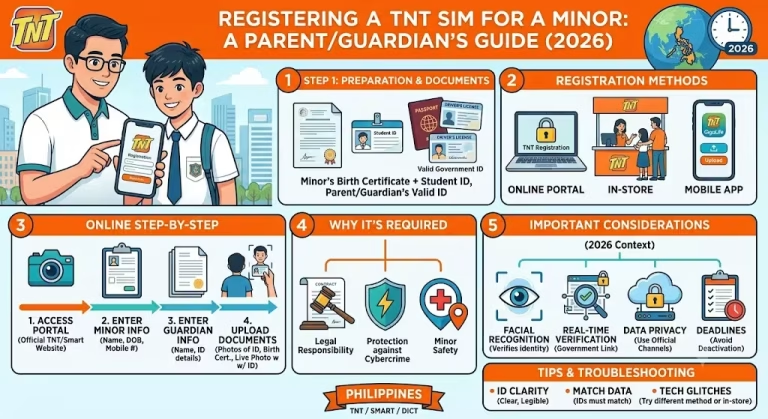
Related – How to Register a TNT SIM for Minors & TNT SIM Registration Online Official Link
Quick Registration Checklist
Before clicking Submit, verify that you have:
- Active TNT SIM
- Working SMS reception
- Valid government-issued ID
- Clear ID photo
- Recent selfie
- Stable internet connection
- Accurate personal information
This simple checklist can help prevent registration delays.
Common Problems During TNT SIM Registration
OTP Not Received
Possible reasons include:
- Weak mobile signal
- Temporary network congestion
- Inactive SIM
- Incorrect mobile number entered
Solution: Wait a few minutes and request another OTP.
Blurry ID Upload
Poor image quality is one of the most common reasons for failed verification.
Solution:
- Retake the photo in good lighting.
- Keep the camera steady.
- Make sure all text is readable.
Selfie Verification Failed
This usually happens when facial features aren’t clearly visible.
Solution:
- Remove hats and sunglasses.
- Use brighter lighting.
- Keep your face centered.
Information Doesn’t Match Your ID
Differences in spelling, birthdate, or name format may delay approval.
Solution:
Double-check every field before submitting.
Tips for a Successful TNT SIM Registration Abroad
Many OFWs complete registration without issues by following a few best practices:
- Register using a reliable internet connection.
- Keep your phone nearby to receive the OTP.
- Use a recent government-issued ID.
- Ensure your SIM remains active.
- Save your confirmation reference after registration.
- Avoid submitting multiple registrations for the same SIM unless instructed.
These simple steps can save time and reduce the chance of delays.
Why SIM Registration Matters for OFWs
Registering your TNT SIM helps:
- Maintain uninterrupted mobile service.
- Continue receiving OTPs from Philippine banks and online services.
- Improve account security.
- Comply with Philippine SIM registration regulations.
- Reduce the risk of SIM misuse and identity fraud.
For OFWs who rely on their Philippine mobile number for banking, remittances, and government transactions, keeping the SIM registered is especially important.
Common Mistakes to Avoid
Many registration issues can be prevented by avoiding these errors:
- Using an expired ID.
- Uploading blurry or cropped images.
- Entering incorrect personal information.
- Ignoring the confirmation page.
- Losing the control number.
- Registering through unofficial websites.
Taking a few extra minutes to review your details can help ensure a smooth registration process.
Frequently Asked Questions
Keep Your TNT SIM Active Wherever You Are
For OFWs, a registered TNT SIM is more than just a phone number—it helps you stay connected with your family, receive banking verification codes, manage government services, and maintain uninterrupted communication with contacts in the Philippines.
Before starting the registration, prepare your ID, ensure your TNT SIM can receive SMS, and complete the process through the official Smart SIM Registration Portal. Keeping your registration details accurate will help you avoid delays and continue using your mobile services without interruption.